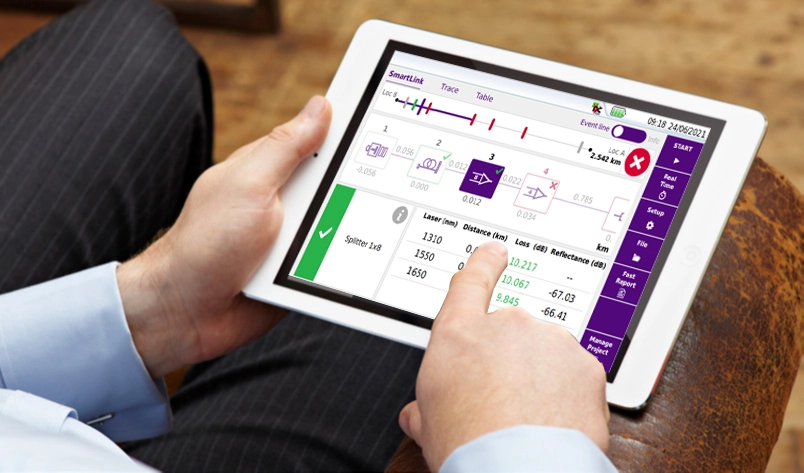
VIAVI Smart Access Anywhere (SAA) Remote Instrument Access and Control Software
Software for secure remote view and control of VIAVI field instruments from a laptop, tablet or smartphone for live results analysis and coaching.
- Supported instruments for remote control
- SmartOTDR, T-BERD/MTS-2000/-4000/-5800/-6000A/-8000, OneExpert (ONX), OneAdvisor (ONA), SmartClass 4800, CellAdvisor 5G
- Controlling devices
- Laptop, Android and iOS device support
Overview
Smart Access Anywhere (SAA) is a VIAVI solution for centralized support, on-demand testing and live results analysis of field instruments. It allows a product or technical specialist in another location, such as a central office or another job site, to provide secure remote assistance to field technicians directly on their instrument. The aim is to improve first-time install and activation rates, reduce repeat visits and minimize time on site, for both new technicians and experienced staff facing more complex tasks.
Remote control
Using a laptop, tablet or smartphone, an instrument can be remotely controlled to verify the instrument and test configuration and to launch, view and analyze results in real time. Remote support is available as soon as the instrument is connected to an IP network or the Internet, via Ethernet, WiFi or a mobile hotspot.
Security and connectivity
Connections use secure SSH tunneling, which avoids opening ports on firewalls and does not rely on third-party remote access software. For remote operation at the same site, some instruments can establish their own WiFi hotspot and be operated remotely without an Internet connection.
Machine-to-machine support
SAA also supports machine-to-machine operation, in which one instrument remotely controls another, for cases where the expert is also working in the field. Machine-to-machine operation and the Android/iOS app are only available on some VIAVI platforms.
Key Features
- Remote view and control of instrument user interface
- Instrument and test config verification
- Live test results – report and review
- File/report transfer
- Secure instrument connection via Ethernet, WiFi or Mobile hotspot
- Laptop, Android and iOS device support
- Secure SSH tunneling without opening firewall ports or relying on 3rd party software
- Local remote operation via instrument WiFi hotspot without Internet connection on some instruments
- Machine-to-machine support – one instrument controlling another
Specifications
| Supported instruments for remote control | SmartOTDR, T-BERD/MTS-2000/-4000/-5800/-6000A/-8000, OneExpert (ONX), OneAdvisor (ONA), SmartClass 4800, CellAdvisor 5G |
|---|---|
| Controlling devices |
Laptop, Android and iOS device support
Machine-to-machine and Android/iOS app only available on some VIAVI platforms
|
| Instrument connection | Ethernet, WiFi or Mobile hotspot |
|---|---|
| Security | Secure SSH tunneling |
Applications
- Tech support in the field, securely and in real time
- Instrument remote control
- On-demand remote test
- Machine-to-machine support
- Remote coaching of less experienced field technicians
- Remote analysis of test results to resolve issues on the first visit
Documents & Resources
Related Products
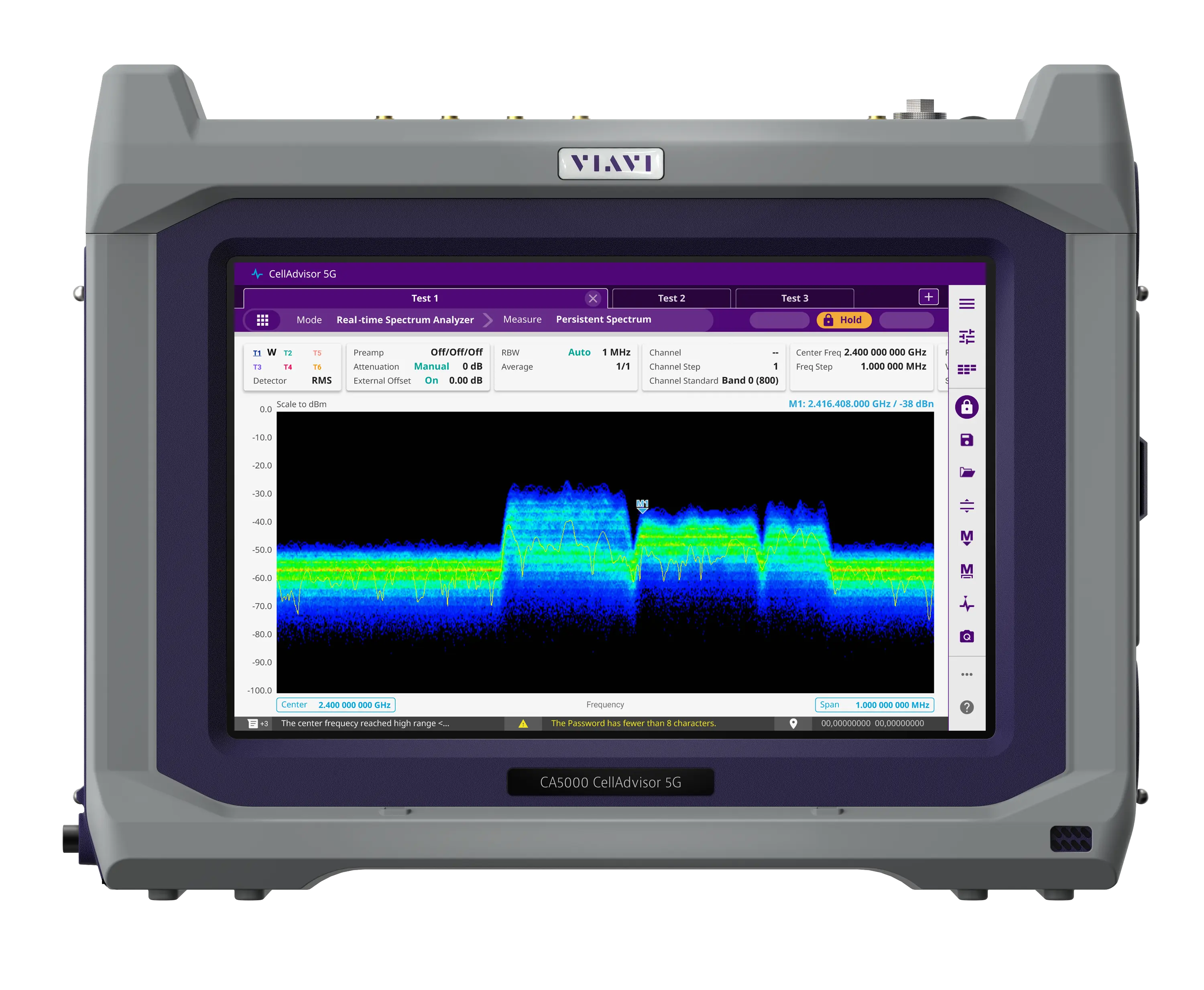
Field-portable base station analyzer with real-time spectrum analysis and 5G NR beam analysis, covering 9 kHz up to 44 GHz depending on frequency option.
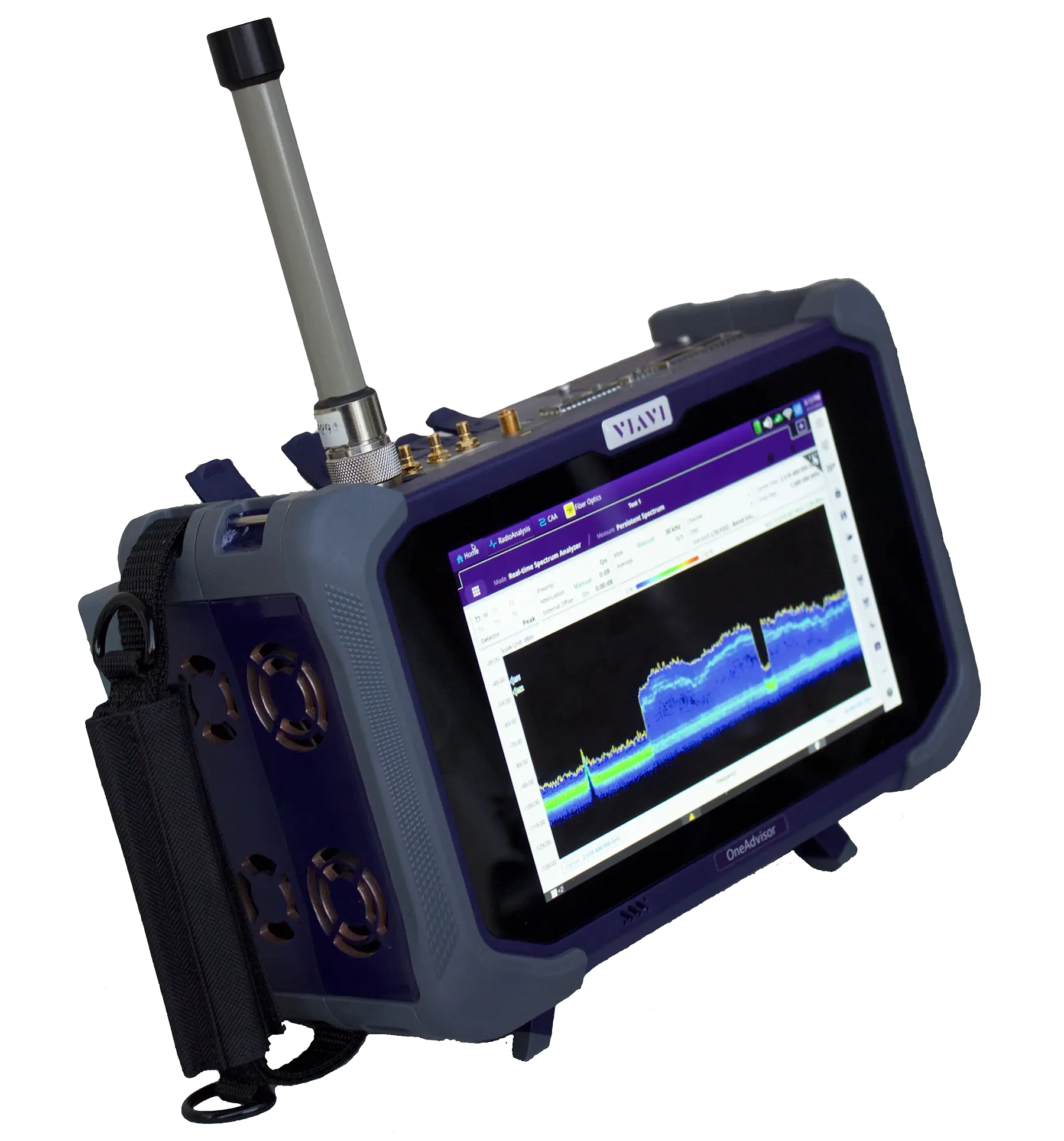
Modular field test platform combining RF spectrum and signal analysis, cable and antenna, fiber and Ethernet transport testing in one portable unit.
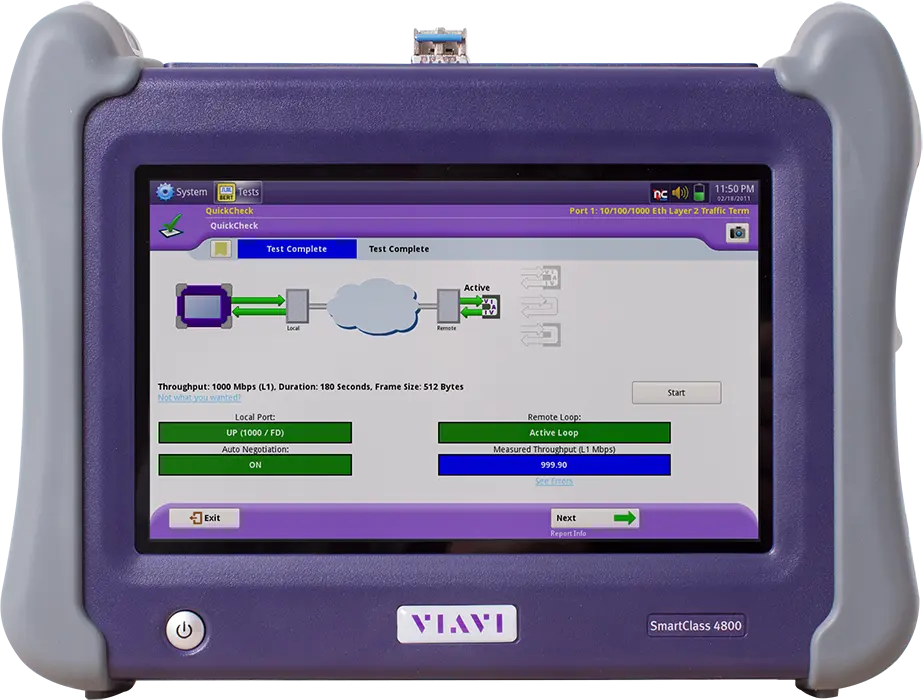
Handheld tester for business services that covers electrical and optical Ethernet, T1/E1 interfaces, and VoIP and PRI voice quality.
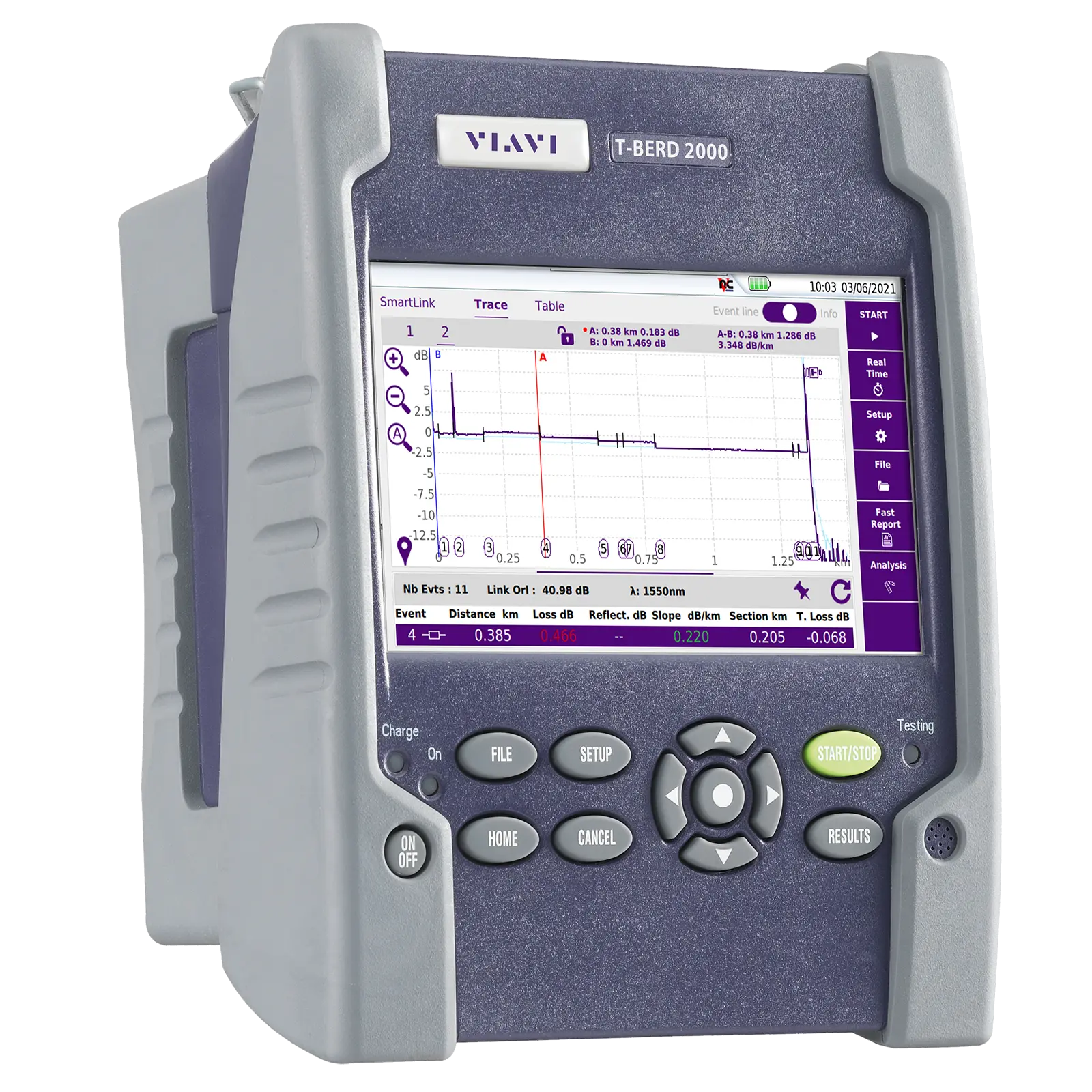
Handheld one-slot modular test set for installation, turn-up and maintenance of fiber networks, with OTDR, IL/ORL, OSA and inspection modules.
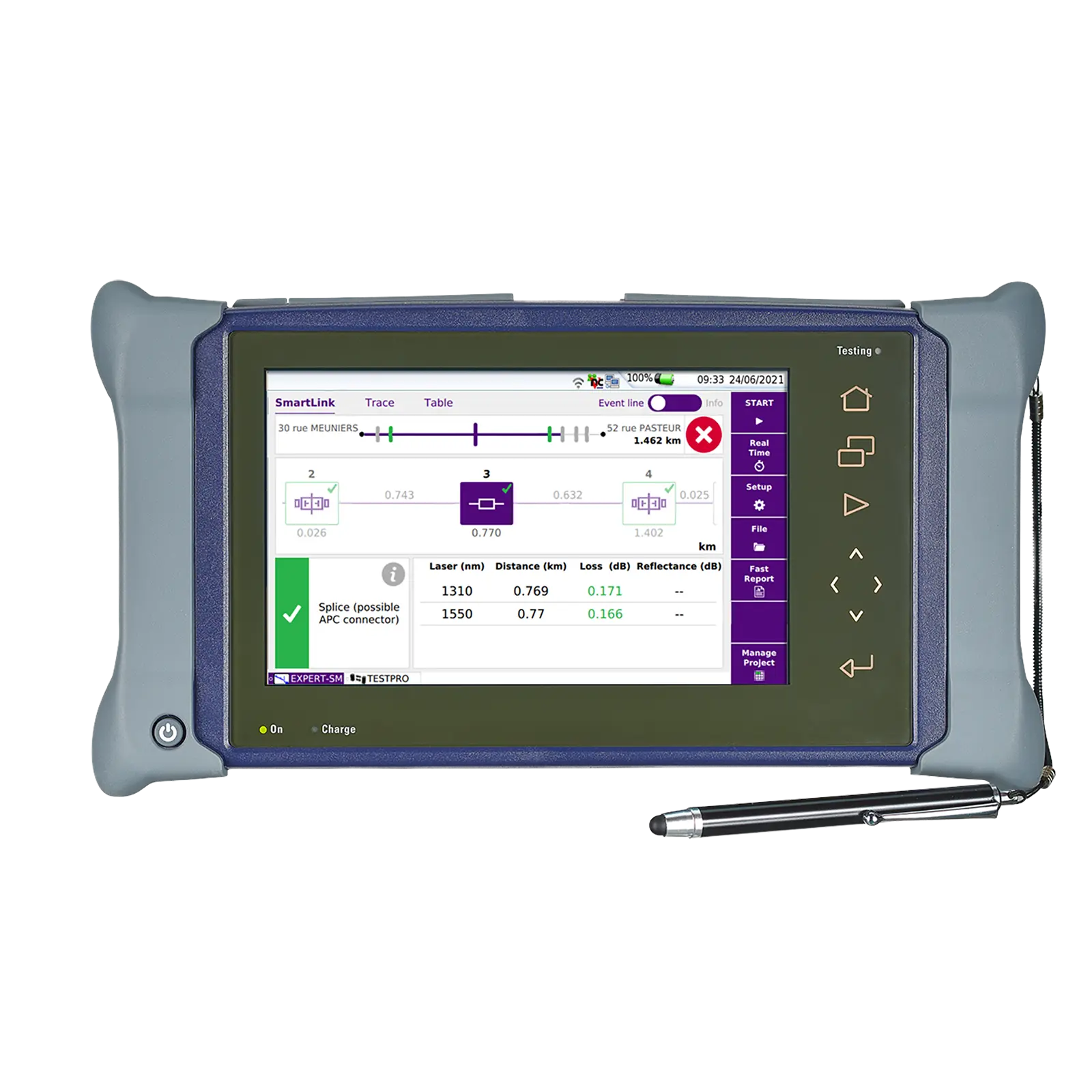
Dual-slot handheld modular platform for installing, turning up and maintaining fiber optic networks, with a 9-inch multi-touch screen.
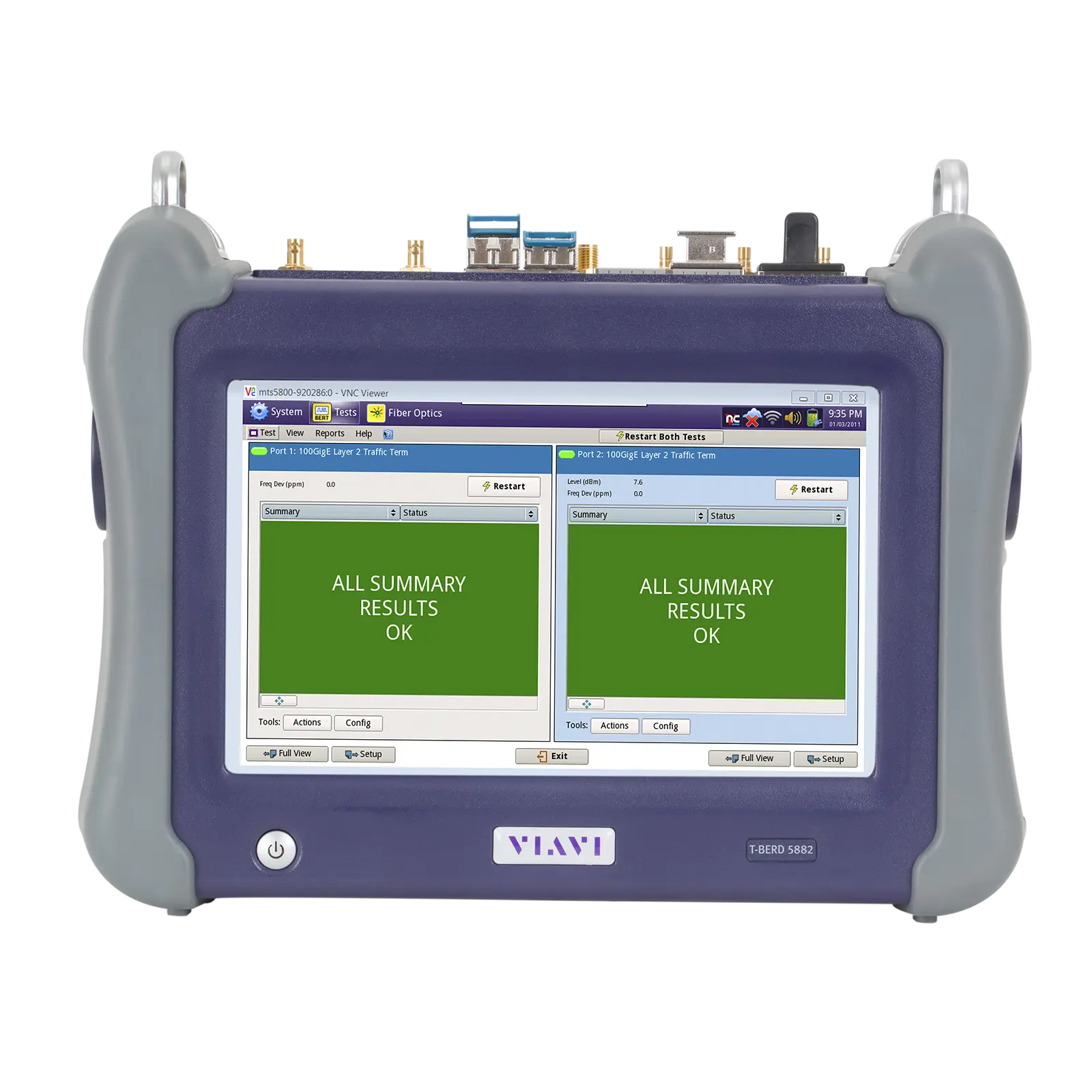
Handheld dual-10G network tester for fiber characterization, service activation, troubleshooting and maintenance of Ethernet, OTN, SONET/SDH and TDM networks.