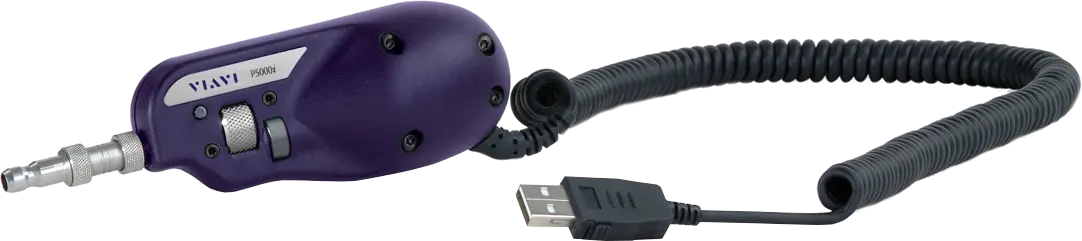
VIAVI P5000i Digital Analysis Fiber Microscope with Automated Pass/Fail Analysis
Handheld digital fiber microscope that automatically inspects and certifies fiber connector end faces with pass/fail analysis to industry standards.
- Weight
- 110 g (3.88 oz)
- Dimensions (w × h × d)
- 140 x 46 x 44 mm (5.5 x 1.8 x 1.7 in)
- Low mag field-of-view (FOV)
- Horizontal: 740 μm; Vertical: 550 μm
- High mag field-of-view (FOV)
- Horizontal: 370 μm; Vertical: 275 μm
Overview
The VIAVI P5000i is a digital handheld microscope that automatically inspects and certifies the end faces of fiber connectors according to industry standards and specifications. It provides a pass/fail result at the push of a button, replacing subjective visual judgement with a repeatable, objective analysis.
Contaminated fiber connectors are a leading cause of troubleshooting in optical networks. The International Electrotechnical Commission (IEC) has defined a standard for acceptable fiber end-face quality, and the P5000i is designed to make certification against such acceptance criteria fast and consistent. User-selectable acceptance profiles allow certification to any acceptance criteria.
Platform compatibility
The P5000i connects via USB to a range of VIAVI instruments, including CellAdvisor, Certifier, OneAdvisor, OneExpert, Optimeter, SmartClass Fiber, SmartOTDR and T-BERD/MTS, as well as to laptops, PCs and mobile devices. On a PC or laptop it works with FiberChekPRO software for analysis and reporting; on Android devices it works with the FiberChekMOBILE app, which requires an activation key per microscope. The optional FBPP-WIFI Wireless Adapter allows wireless connection to Android or iOS devices, and to Windows PCs or laptops via WiFi.
Inspection
The microscope offers dual magnification (200X and 400X) with a toggle button for switching in both live and analysis views, and automatic image centering keeps the fiber in the center of the screen. It accepts FBPT series inspection tips, covering the connector types used in current networks.
Key Features
- Repeatable pass/fail analysis eliminates subjective guesswork from the measurement process
- User-selectable acceptance profiles allow certification to any acceptance criteria
- Compatible with FiberChekPRO software for analysis and reporting with laptops/PCs
- Automatic image centering keeps the fiber in the center of the screen
- Dual magnification (200X and 400X) for high-level and detailed inspection and analysis
- Magnification toggle button for switching in both live and analysis views
- Connects via USB to VIAVI tools, laptops/PCs and mobile devices
- Connects to T-BERD/MTS-2000/4000/5800/6000A/8000v2, HST-3000, SmartClass Fiber, Certifier40G, DSAM and CellAdvisor via USB without additional adapters or software
- Works with Android devices and tablets using the FiberChekMOBILE app
- Detailed report generation to certify and document results
- Accepts FBPT series tips for a wide range of connector types
- Optional FBPP-WIFI Wireless Adapter for wireless connection to Android, iOS and Windows devices
Specifications
| Weight |
110 g (3.88 oz)
typical at 25°C
|
|---|---|
| Dimensions (w × h × d) | 140 x 46 x 44 mm (5.5 x 1.8 x 1.7 in) |
| Low mag field-of-view (FOV) | Horizontal: 740 μm; Vertical: 550 μm |
| High mag field-of-view (FOV) | Horizontal: 370 μm; Vertical: 275 μm |
| Magnification | 200X and 400X |
| Live image | 640 x 480 pixels at 8 fps |
| Connector | USB 2.0 (backwards compatible to USB 1.1) |
| Cord length | 183 cm (6 ft) |
| Camera sensor | 2560 x 1920, 1/2.5-in CMOS |
| Particle size detection | <1 μm |
| Light source | Blue LED, 100,000+ hour life |
| Lighting technique | Coaxial |
| Power source | USB Port |
| Certification | CE |
| Operating temperature | 0 to 40°C (32 to 104°F) |
| Storage temperature |
20 to 60°C (-4 to 140°F)
As printed in the datasheet; the Fahrenheit value implies a lower limit of -20°C
|
|
Dimensions
FBPP-WIFI
|
218 x 50 x 131 mm (8.6 x 2.0 x 5.2 in) |
|---|---|
|
Weight
FBPP-WIFI
|
272 g (9.5 oz) |
|
Connector
FBPP-WIFI
|
USB 2.0 (Micro-B) |
|
Power source
FBPP-WIFI
|
Internal Li-ion Battery, USB power |
|
Run time
FBPP-WIFI
|
5.5 hr |
|
Charge time
FBPP-WIFI
|
2.5 hr (2.1 A max power source); 8 hr (500 mA max power source) |
|
Power supply
FBPP-WIFI
|
5 VDC, 2.1 A USB power adapter with interchangeable wall plug for EU, UK, US, and AU |
Specifications are taken from the manufacturer's documentation. See the datasheet for complete and current values.
Applications
- Fiber connector end-face inspection and certification
- Physical layer performance verification against industry standards
- Automated grading of fiber end-face images to pre-configured criteria
- Standardized fiber inspection processes across fiber networks
- PON fiber inspection
- FTTA and cell tower installation and maintenance
- Data center and enterprise fiber networks
- Cable / HFC and DOCSIS networks
Included
- P5000i Digital Analysis Microscope
- Soft bag for microscope and accessories
- Carrying case for tips
- Inspection tip FBPT-U25M
- QuickStart manual
Options & Accessories
| Option | Description |
|---|---|
| FBP-P5000i | P5000i Digital Analysis Probe — Stand-alone device |
| FBP-SD101 | Kit: P5000i with 4 inspection tips — Includes FBPT-U12M, FBPT-U25M, FBPT-LC, FBPT-SC |
| FBP-MTS-101 | Kit: P5000i with 7 inspection tips — Includes FBPT-U12M, FBPT-U25M, FBPT-U25MA, FBPT-FC, FBPT-LC, FBPT-SC, FBPT-SC-APC |
| FBPP-WIFI | Wireless Adapter — Connects the FBP-P5000i wirelessly to Android or iOS devices, or to a PC or laptop via WiFi with Windows |
| SW-FCM-A1 | P5000i FiberChekMOBILE Android Activation Key — Required for every P5000i microscope connected via USB to an Android mobile device; conversion cables may be required depending on the device |
Documents & Resources
Related Products
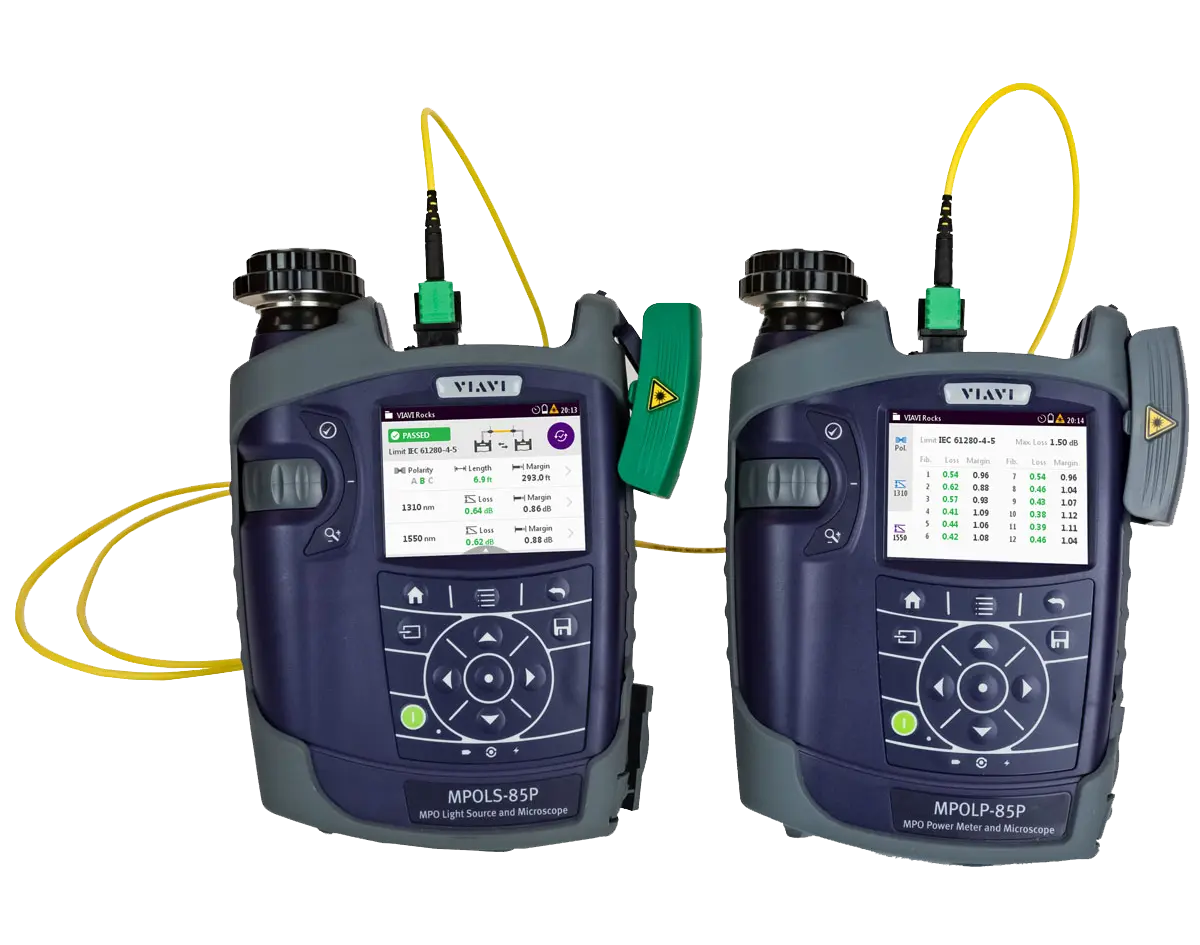
MPO optical loss test set that measures length, loss and polarity on all 12 fibers and inspects MPO end faces for Tier 1 certification.
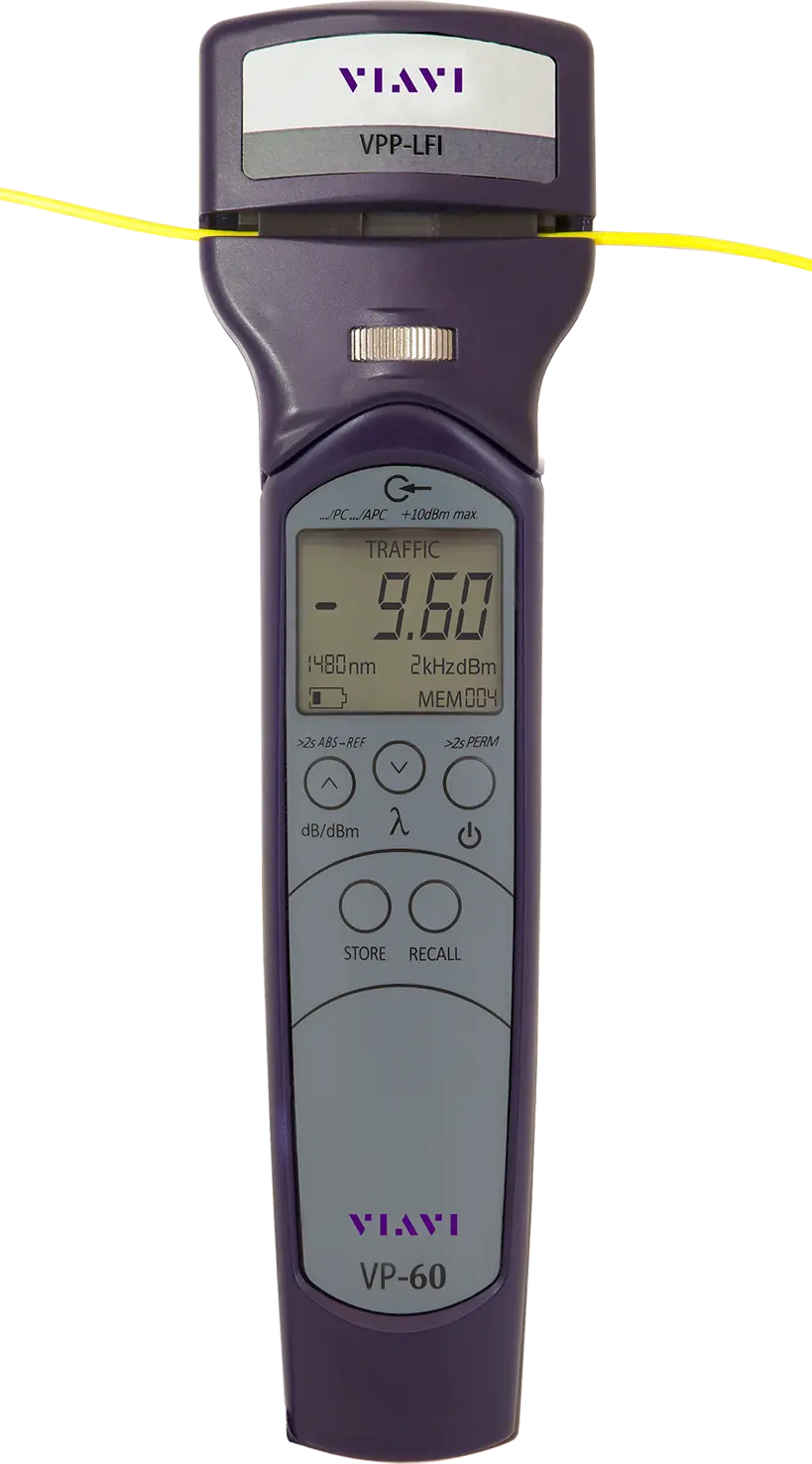
Live fiber identifier that detects optical signal and tones without disconnecting fiber, and converts to an optical power meter.
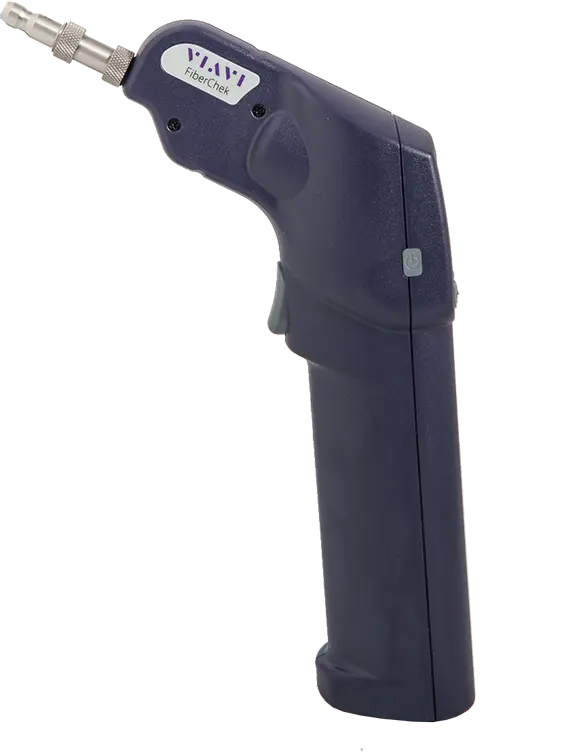
Handheld all-in-one fiber inspection microscope with touch screen, auto-focus, auto-center and built-in pass/fail end-face analysis.
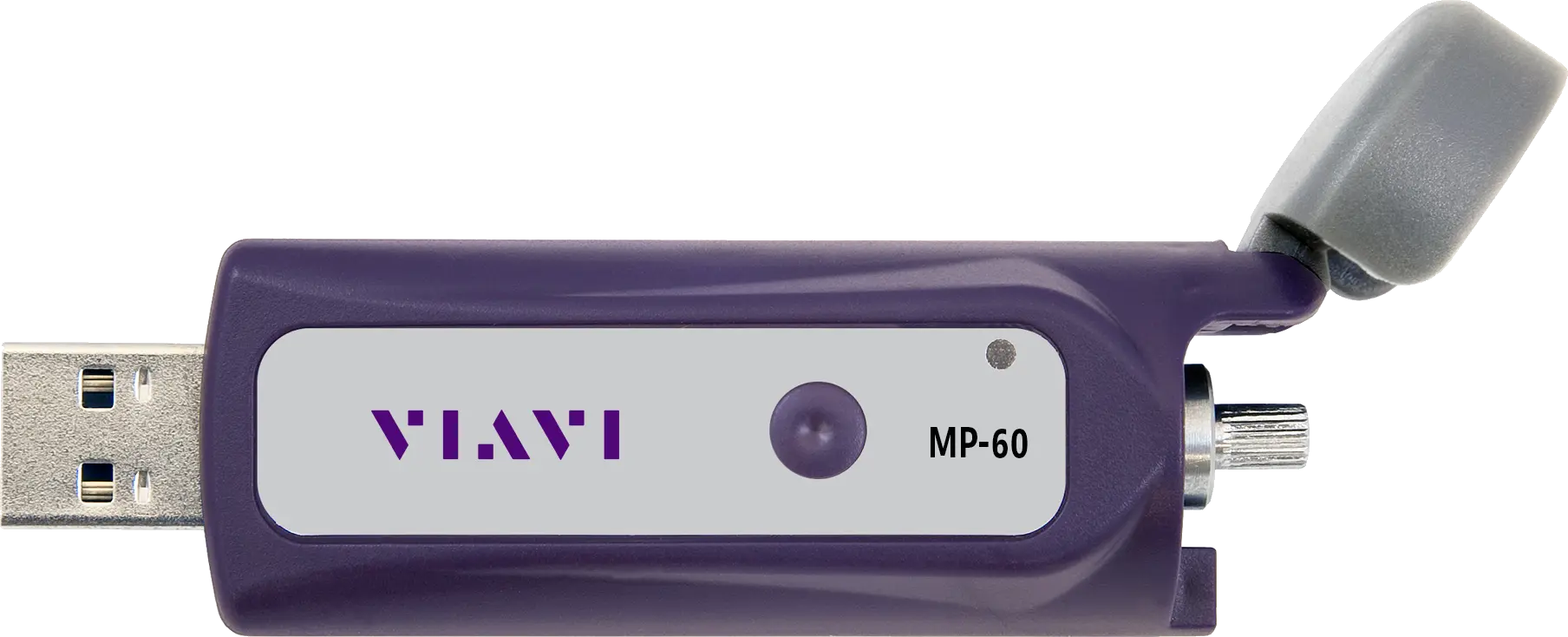
Miniature optical power meter that measures optical power over a USB 2.0 connection to a PC, laptop or smart device.
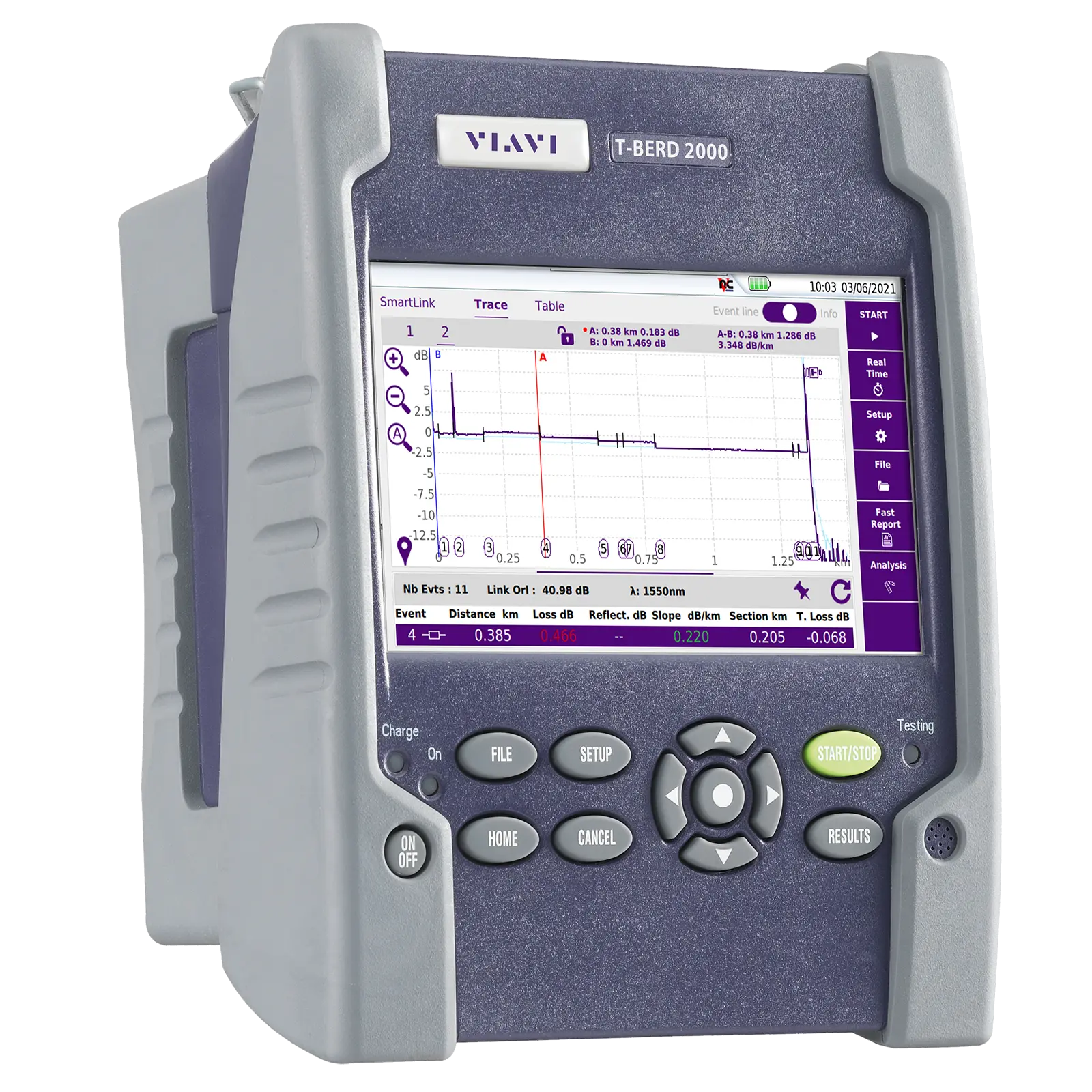
Handheld one-slot modular test set for installation, turn-up and maintenance of fiber networks, with OTDR, IL/ORL, OSA and inspection modules.
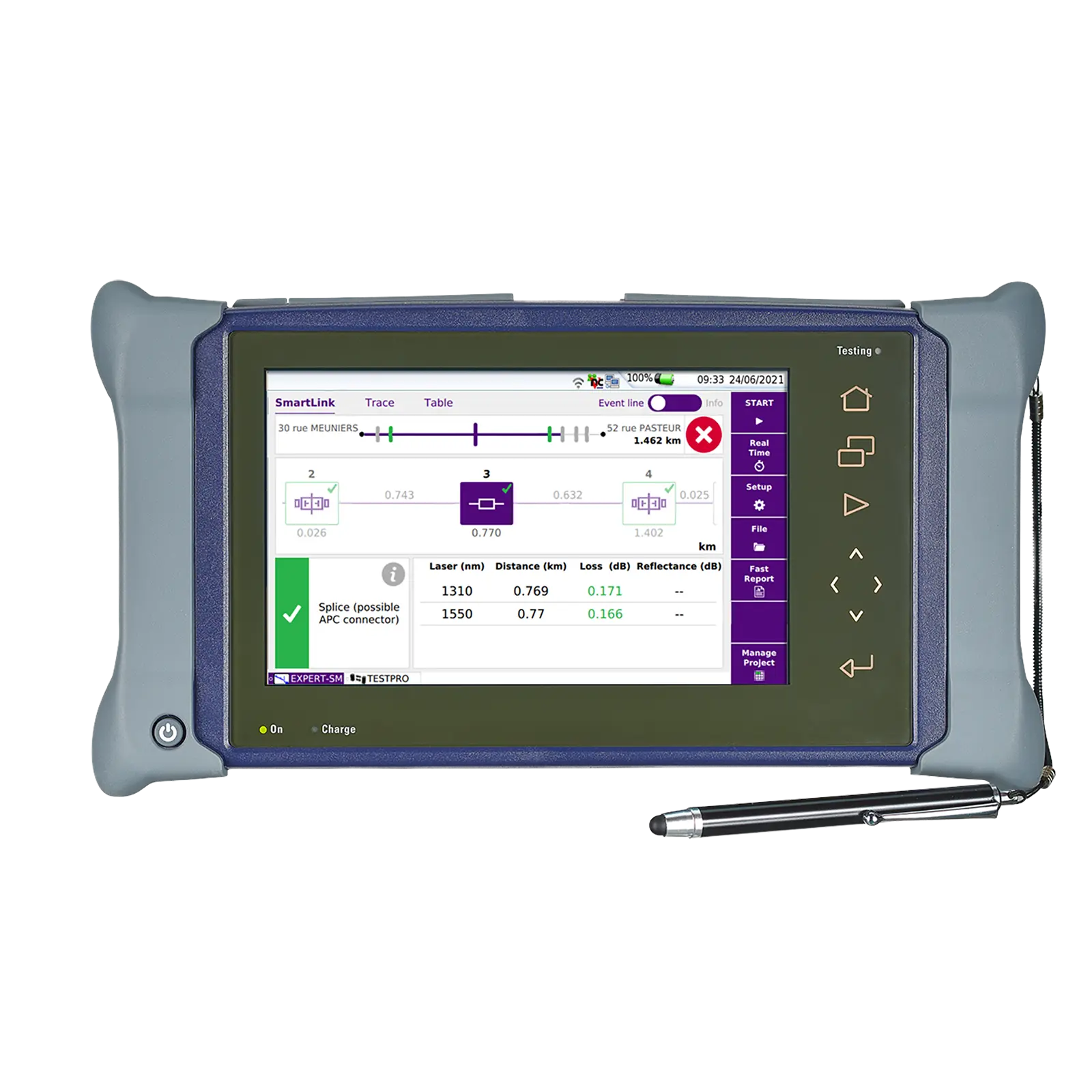
Dual-slot handheld modular platform for installing, turning up and maintaining fiber optic networks, with a 9-inch multi-touch screen.