VIAVI Smart Link Mapper (SLM) Applications for OTDR Testing
OTDR software applications that show events as icons on a link map with automatic pass/fail results, so OTDR traces are easier to read.
- Supported platforms
- SmartOTDR, T-BERD/MTS-2000, -4000 V2 and OneAdvisor 800/1000 platforms
- Supported platforms
- Available for all OneAdvisor, SmartOTDR, T-BERD/MTS platforms
- OTDR modules
- Compatible with multimode and single-mode OTDR modules
- Supported platforms
- T-BERD/MTS-2000, -4000 V2, -6000, and -6000A
Overview
Smart Link Mapper (SLM) is a family of VIAVI software applications that help technicians use an OTDR without having to interpret raw OTDR results. Each event detected on the fiber is shown as an icon, which gives a schematic view of the whole link called SmartLink. The SmartLink view maps directly onto the original OTDR trace, and users can switch between the SLM view, the OTDR trace and the event table without re-running the test.
The applications run on the T-BERD/MTS, SmartOTDR and OneAdvisor OTDR platforms. They work with multimode and single-mode OTDR modules. They can be installed on units already in the field or at the time of purchase.
Applications
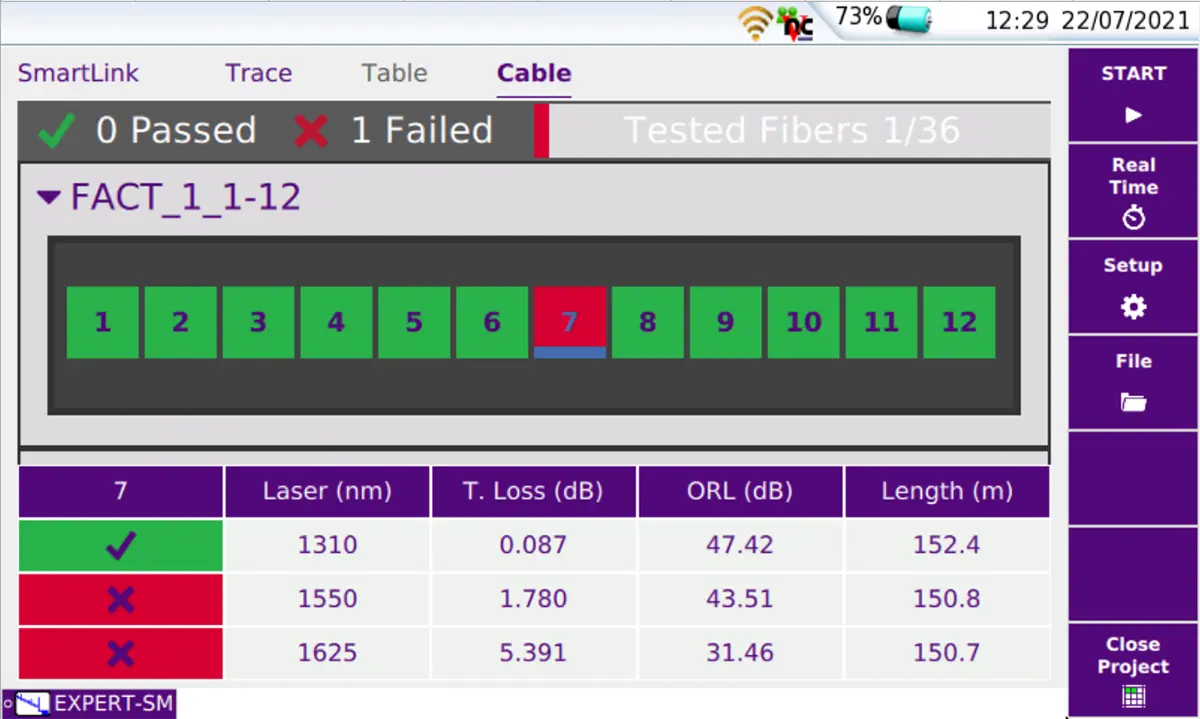
Four applications are available, each for a different type of network. SLM shows the icon-based map view with a clear diagnosis of any problems found, and adds labeling schemes, project management and MPO testing for enterprise and data center networks. FTTA-SLM adds a fiber-to-the-antenna user interface and an analysis algorithm for OTDR measurements at cell towers and rooftop sites, including DAS and C-RAN. FTTH-SLM adds a fiber-to-the-home interface and an algorithm for measuring through PON splitters. CABLE-SLM gives a high-level view when commissioning optical fiber cables.
FTTA-SLM
FTTA-SLM is a field-installable software license that sets the acquisition parameters automatically and uses FTTA terms in its setup menus. It detects and identifies FTTA network elements along the fiber link. It supports acceptance testing with a loopback device and troubleshooting from the BBU or fiber patch panel up to the RRU. Pass/fail PDF certification reports can be generated on the instrument.
Key Features
- Directly correlates SmartLink view results and OTDR trace
- Instant switching between SLM, OTDR trace and event table views without re-running tests
- Automatic pass/fail results
- Eliminates the need for OTDR expertise
- Compatible with multimode and single-mode OTDR modules
- Supported on SmartOTDR, T-BERD/MTS-2000, -4000 V2 and OneAdvisor 800/1000 platforms
- Upgradable on site
- SLM: self-setting OTDR with pre-defined SmartConfig acquisition parameters and label format
- SLM: project management to control and document all tested fibers
- SLM: management of an optical switch to test MPO cable
- FTTA-SLM: customized setup menus with FTTA parameters and terminology
- FTTA-SLM: automatic selection of best acquisition parameters
- FTTA-SLM: smart algorithm to automatically detect and identify network elements
- FTTH-SLM: full discover mode with auto-detection and identification of PON splitter types
- FTTH-SLM: OptiPulses multiple-pulse acquisition to detect events before, between and after splitters
- FTTH-SLM: supports distributed PON architectures, cascaded networks and 2xN splitters
- CABLE-SLM: optimized workflow from testing against expected procedures to direct reporting
- CABLE-SLM: handles lists of labels or cable routes
- On-board PDF certification report generation
Specifications
| Supported platforms | SmartOTDR, T-BERD/MTS-2000, -4000 V2 and OneAdvisor 800/1000 platforms |
|---|---|
| Supported platforms | Available for all OneAdvisor, SmartOTDR, T-BERD/MTS platforms |
| OTDR modules | Compatible with multimode and single-mode OTDR modules |
|
Supported platforms
FTTA-SLM
|
T-BERD/MTS-2000, -4000 V2, -6000, and -6000A
Field installable software license
|
|
T-BERD/MTS-6000 compatibility
FTTA-SLM
|
s/n ≥10000
T-BERD/MTS-6000 with serial number ≥10000 and -6000A
|
|
Cable label format
SLM
|
TIA-606
Enterprise and data centers
|
|---|---|
|
Pass/fail alarm criteria
SLM
|
TIA.568.3, ISO/IEC 11801, ISO/IEC 14673-3
Per the TIA/IEC standards
|
|
Pass/fail thresholds
FTTH-SLM
|
Pre-set pass/fail thresholds per ITU-T/IEEE PON standards |
|
PON architectures
FTTH-SLM
|
distributed PON architectures (un-balanced, tapered and indexed splitter), cascaded networks and 2xN splitters |
|---|
Specifications are taken from the manufacturer's documentation. See the datasheet for complete and current values.
Applications
- Point-to-point OTDR testing
- Enterprise and data center fiber certification
- MPO cable testing
- Fiber to the antenna (FTTA) cell tower and rooftop sites
- Distributed Antenna Systems (DAS)
- Cloud Radio Access Networks (C-RAN)
- Fiber to the home (FTTH) and PON testing through splitters
- High-count fiber optic cable commissioning
- Fiber installation acceptance testing
- Fiber troubleshooting and break location
Options & Accessories
| Option | Description |
|---|---|
| ESMARTLINK-xK | SLM — x=2 for T-BERD/MTS-2000; x=4 for T-BERD/MTS-4000 V2; x=6 for T-BERD/MTS-6000 (with s/n >10,000)/-6000A; for SmartOTDR xK=100 |
| ESMARTLINKxKUPG | SLM upgrade — x=2 for T-BERD/MTS-2000; x=4 for T-BERD/MTS-4000 V2; x=6 for T-BERD/MTS-6000 (with s/n >10,000)/-6000A; for SmartOTDR xK=100 |
| ESMARTFTTH-xK | FTTH-SLM — x=2 for T-BERD/MTS-2000; x=4 for T-BERD/MTS-4000 V2; x=6 for T-BERD/MTS-6000 (with s/n >10,000)/-6000A; for SmartOTDR xK=100 |
| ESMARTFTTHxKUPG | FTTH-SLM upgrade — x=2 for T-BERD/MTS-2000; x=4 for T-BERD/MTS-4000 V2; x=6 for T-BERD/MTS-6000 (with s/n >10,000)/-6000A; for SmartOTDR xK=100 |
| ESMARTCABLE-xK | CABLE-SLM — x=2 for T-BERD/MTS-2000; x=4 for T-BERD/MTS-4000 V2; x=6 for T-BERD/MTS-6000 (with s/n >10,000)/-6000A; for SmartOTDR xK=100 |
| ESMARTCABLExKUPG | CABLE-SLM upgrade — x=2 for T-BERD/MTS-2000; x=4 for T-BERD/MTS-4000 V2; x=6 for T-BERD/MTS-6000 (with s/n >10,000)/-6000A; for SmartOTDR xK=100 |
| ESMARTFTTA-2K | FTTA-SLM application for T-BERD/MTS-2000 |
| ESMARTFTTA-4K | FTTA-SLM application for T-BERD/MTS-4000 V2 |
| ESMARTFTTA-6K | FTTA-SLM application for T-BERD/MTS-6000 (s/n ≥10000)/-6000A |
| ESMARTFTTA2KUPG | FTTA-SLM upgrade application for T-BERD/MTS-2000 |
| ESMARTFTTA4KUPG | FTTA-SLM upgrade application for T-BERD/MTS-4000 V2 |
| ESMARTFTTA6KUPG | FTTA-SLM upgrade application for T-BERD/MTS-6000 (s/n ≥10000)/-6000A |
| EFLMM20M-LC-LC | 20 m 50 µm multimode cable leash LC/PC to LC/PC |
| EFLSM20M-LC-LC | 20 m single-mode cable leash LC/PC to LC/PC |
Documents & Resources
Related Products
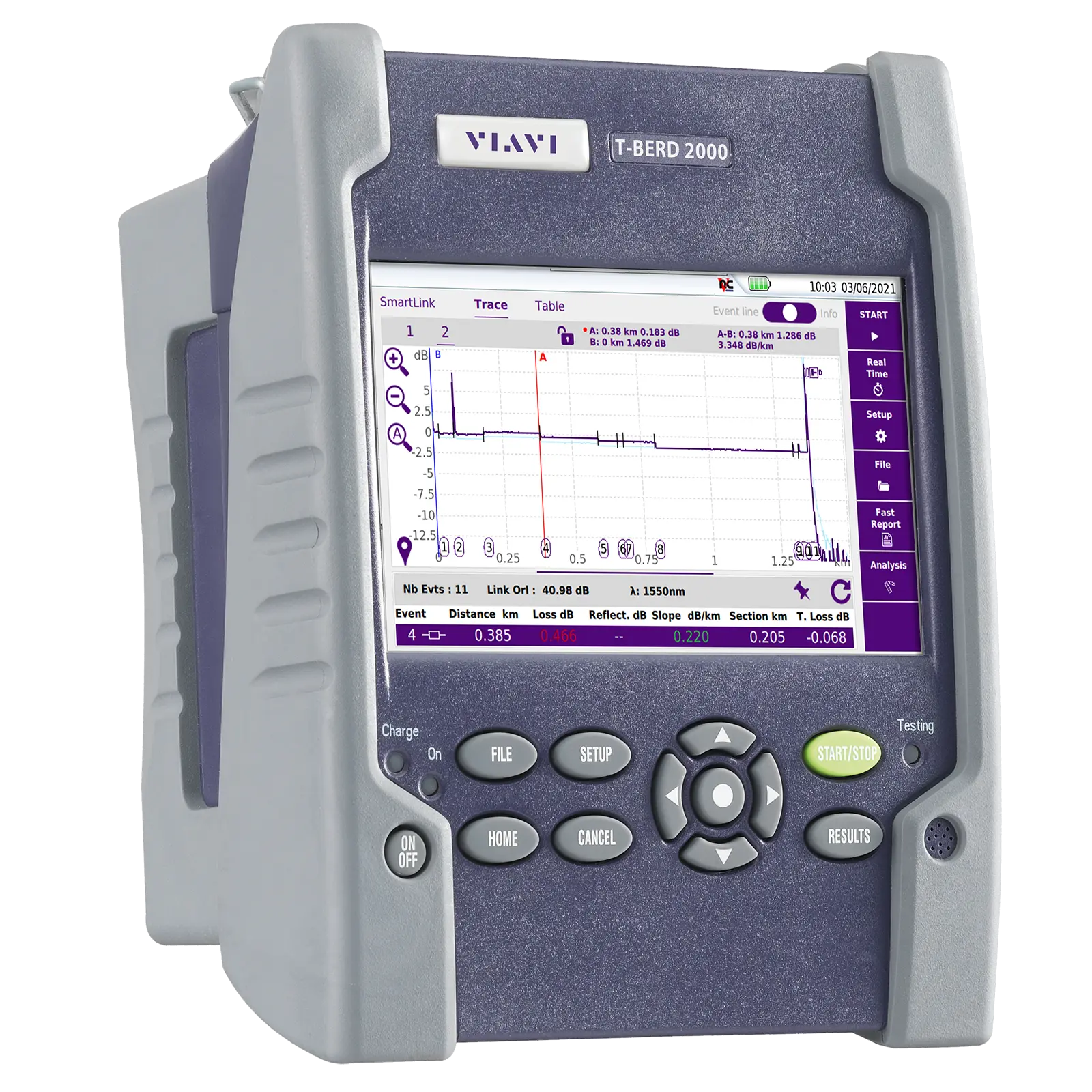
Handheld one-slot modular test set for installation, turn-up and maintenance of fiber networks, with OTDR, IL/ORL, OSA and inspection modules.
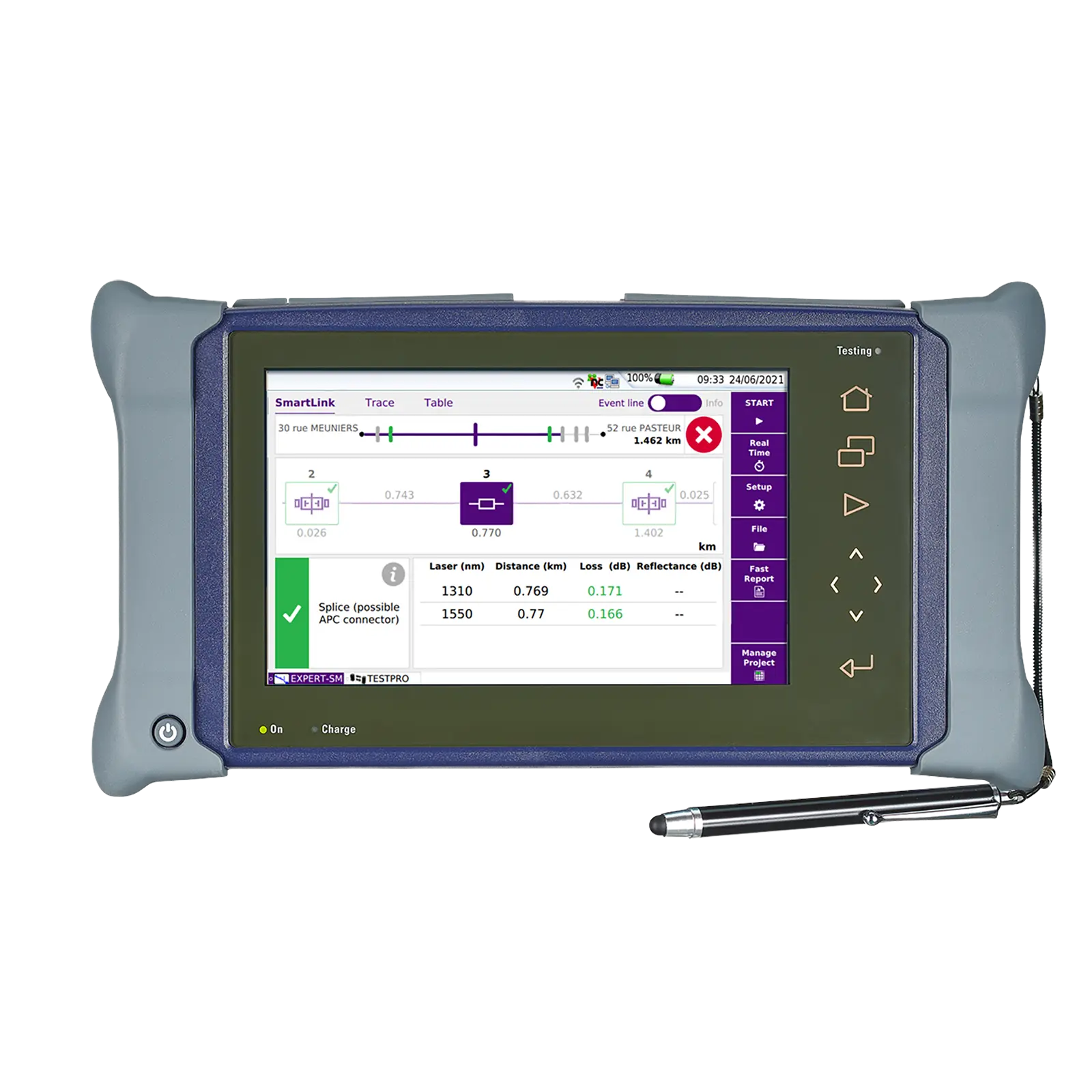
Dual-slot handheld modular platform for installing, turning up and maintaining fiber optic networks, with a 9-inch multi-touch screen.